Create a measured base
Give contractors and builders reliable geometry before design, inspection or construction decisions.

We capture the actual state of the site, geometry, openings, levels, interfaces and changed zones so contractors can coordinate work from measured facts.
The output helps check deviations, hand over work fronts, prepare as-built records and reduce disputes around what is really on site.
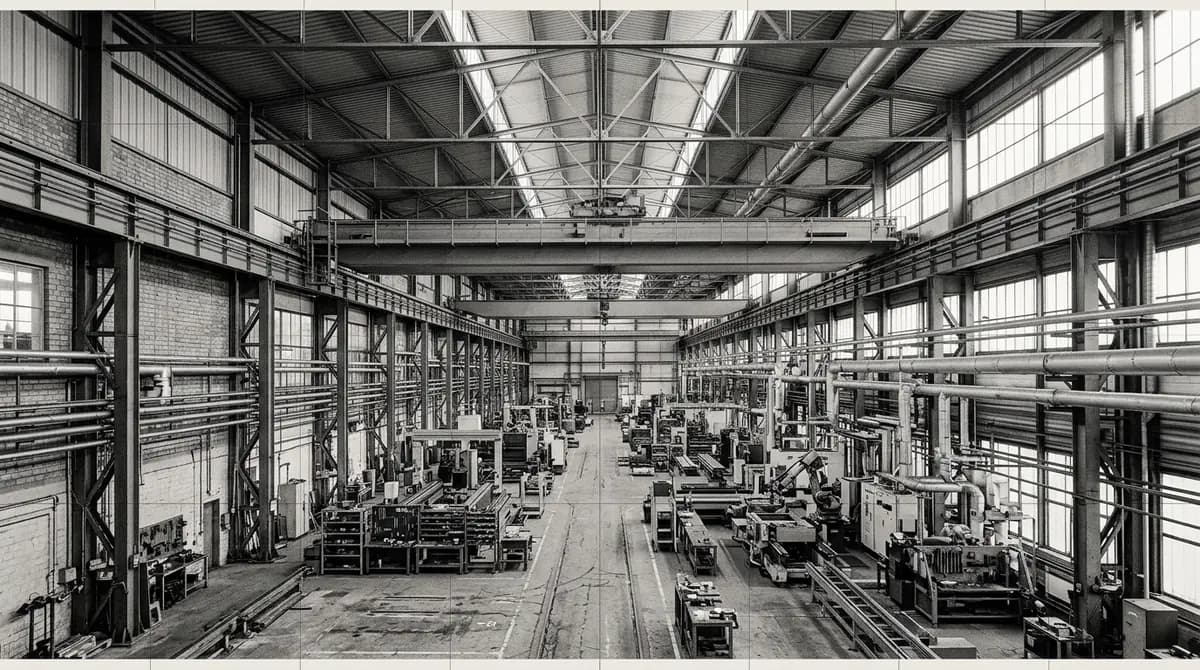
Start with the decision to be made, the data the team needs, and where measured geometry affects the work.
Give contractors and builders reliable geometry before design, inspection or construction decisions.
Capture visible state, context, access limits and zones that may need specialist attention.
Deliver files, notes and formats that another team can open and verify without long explanations.
Use photos, 360 views and point clouds to discuss the object without unnecessary repeat visits.
Create a point-cloud, drawing or model layer when the task needs more than visual inspection.
Help owners, designers, inspectors and contractors work from the same measured facts.
These situations do not need loud promises. They need to be seen, measured and handed over in a usable format.
Drawings, photos and previous reports may miss changes, deviations or blocked zones.
Height, basements, facades, production areas or tight spaces can hide important details.
Large point clouds, photo folders and notes need structure before they help the team.
A measured and visual record keeps details available after people leave the object.
A clear data package gives contractors and builders and adjacent teams one basis for discussion.
The output is assembled around the role: from quick working files to a measurement layer, model and visual record.
E57, RCP/RCS, LAS/LAZ
Registered and cleaned measured geometry for checks, modelling and coordination.
DWG, PDF
Plans, elevations, sections, profiles or control schemes according to the task.
RVT, IFC, SKP by agreement
A model from survey data at the agreed level of detail.
Web, JPG, panoramas
Visual layer for remote review, status capture and discussions.
This is not a fixed package. The scope is selected by object, access, output format and team role.
Captures measured geometry of spaces, buildings, sites or equipment so the team can work from actual data.
View serviceAdds coordinate control, levels, executive schemes and structural position checks.
View serviceRegisters, cleans and structures point clouds for CAD, BIM, coordination and technical checks.
View servicePrepares plans, elevations, levels and photo records for design, interiors and renovation teams.
View serviceGives teams a remote visual review of rooms, nodes and condition without repeated visits.
View serviceThe scope covers measured capture, processing, and a usable handoff. Design, construction, and inspection conclusions remain with the relevant specialist.
The data package is planned around the work of contractors and builders, not around a generic service bundle.
Point clouds, drawings, models and visual records are structured so the team can check and discuss them.
We mark inaccessible zones, method limits and assumptions instead of hiding them inside files.
Images show the typical data character: capture, processing, visual records and models used by the team after handoff.
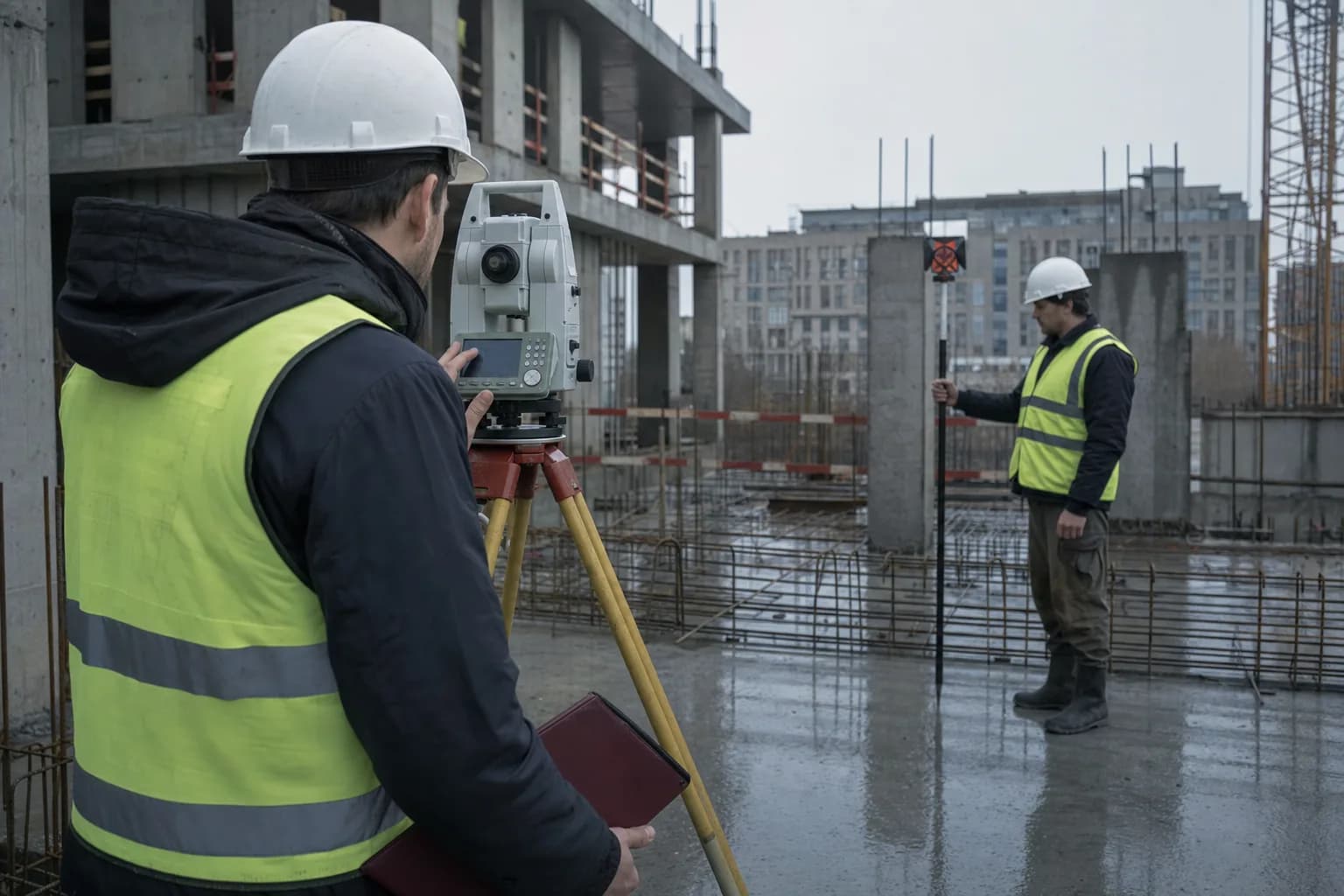
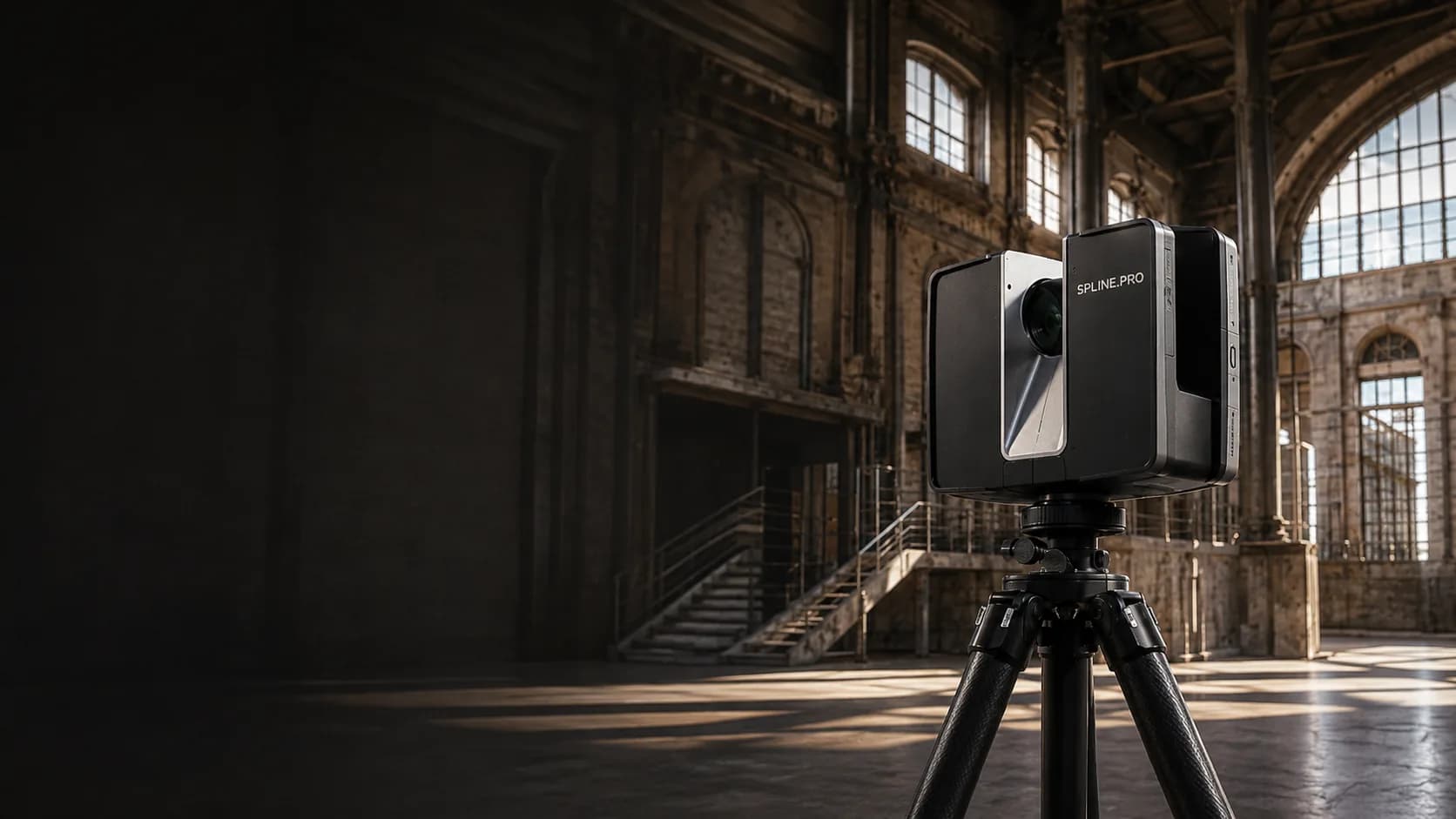
Before capture, we define not only the object, but also who will use the data, in which software and for which decision.
The method depends on who will use the data and what decision follows the capture.
We separate areas that need full detail from zones that are only needed for context.
Scanning, measured surveys, geodesy, photogrammetry, BIM and 360 are combined only when useful.
Formats are selected for the receiving software and the level of verification required.
Unavailable zones, accuracy assumptions and handoff notes are documented in plain language.
A complete brief is useful but not required. Clear inputs make it easier to choose the right method and deliverables.
Building, room, facade, structure, site, industrial zone or a specific fragment.
Design, inspection, reconstruction, tender, installation, asset record or remote review.
Address, schedule, permits, safety rules, escorts, height or zones that cannot be entered.
Point cloud, DWG/PDF, BIM/3D, 360 tour, photo record, report-ready images or a combined package.
AutoCAD, Revit, Archicad, Civil 3D, ReCap, CloudCompare or another environment.
We define what the contractors and builders need to decide, which object zones matter and which formats will be used.
We select scanning, measured survey, geodesy, photogrammetry, BIM or 360 capture according to access, accuracy and output.
The field team records geometry, visible condition and context according to the agreed zones and access limits.
We register, clean, check and export files in a structure that the receiving team can actually use.
We explain formats, limits, unavailable zones and recommended use of the materials.
Answers help clarify work boundaries, output formats and decisions that remain with the specialist team.
Yes. A first estimate can start from the object type, address, photos, task, desired formats and access restrictions.
Simple spaces may only need measured surveys. Complex geometry, reconstruction, inspection records and BIM usually benefit from laser scanning.
Usually yes, if the format and level of detail are agreed before the survey. We can prepare point clouds, drawings, models, images or a combined package.
No. We prepare measured and visual source data. Design, inspection, legal, restoration or construction conclusions remain with the relevant specialist team.
Yes. Many tasks focus on a facade, room group, structural node, equipment zone or route. Boundaries are agreed before the visit.
We document the limitation, explain how it affects the data and, if useful, suggest a second stage or another method.
Compare relevant services, object types, projects, and adjacent team tasks.
Send the object type, role, decision, access limits and target formats. We will suggest a capture and delivery scope.